Product
Generate your Nudge Report
2 minutes read
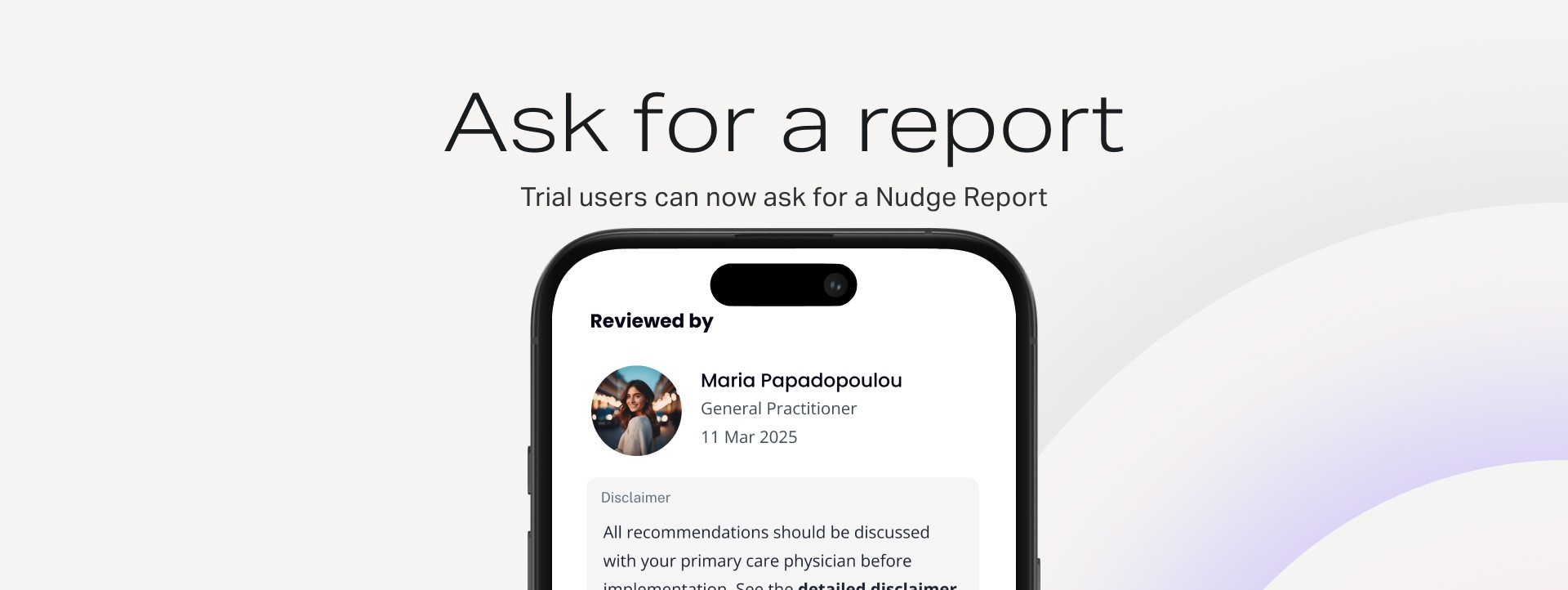
Great news for our Nudge Trial users! You can now easily request a comprehensive Nudge Report directly through the Nudge App.
This report connects your lab results with a Nudge Partner Doctor for a detailed review and personalized insights.

How to Generate Your Nudge Report
Follow these simple steps in the app:
Start the Report Request
Tap the “+” (Add) icon.
Select “Get your Nudge Report.”
Choose “Start Generating.” (Note: This option is currently only available for Trial Users; others will be prompted to join the waitlist.)
Review and Upload Exams
A list of required Exams will be displayed for the doctor's review.
If you're missing any exams, you must upload at least one new result to proceed.
Complete Your Profile Information
You'll be asked to complete your required profile information.
If anything is missing, tap "edit profile" to update. This data is critical for the physician to accurately review your case.
Accurately Log Risk Factors
On the Risk Factors screen, be sure to complete this section correctly. This information directly impacts your calculated risk and the suggested actions in your report.
Medication & History: If you indicate you take drugs for blood pressure, cholesterol, or diabetes, or if you note Family History, you will be prompted to add more specific details.
Add Your Latest Measurements (Crucial Step!)
Measurement
Why It Matters & Tips
Latest Blood Pressure
A very important risk factor. If you don't have a recent reading, consider visiting a pharmacy or purchasing an upper-arm monitor (not a wrist one). You may find a video here.
Body Composition
A key set of risk factors to monitor.
Optional: Anxiety & Depression
You can optionally complete the self-assessment forms for a more holistic report.
Learn more about Nudge Care
Quick Tips for Body Composition Measurement
Waist Circumference: Measure the narrowest part of your belly, high up, close to your ribs.
Hip Circumference: Measure the widest part of your hip.
You can find a reference video here.
Final Step & Delivery
Click Submit.
The Nudge Partner Physician will be notified.
Based on bandwidth and availability, you will receive your Nudge Report within the following days via both an email and an in-app notification.