Product
Upload locked PDFs with your lab results
2 minutes read
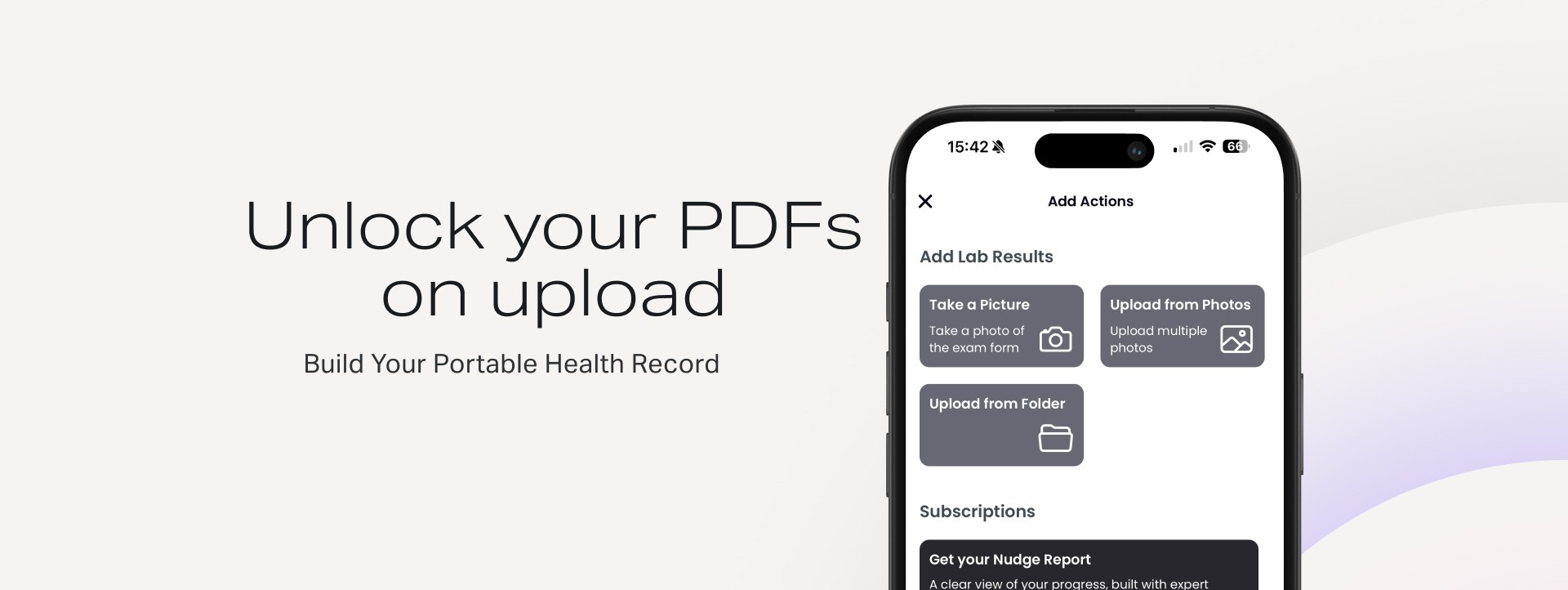
One of the most common challenges our users faced during our pilot program was uploading their lab results through the application, because many labs have the practice of locking their PDFs for extra security.
We asked many people if they knew how to remove the password before uploading it through the app, but few did. Some users captured screenshots and uploaded in the app, which works, but it takes time.
So, we built a password unlock flow for your PDFs on the Nudge Care application.
Upload your PDFs
To upload a protected PDF, you follow the typical flow, and you add the password after it is recognized that the file is locked.
You go through the "+" (Add) button, choose "Upload from folder" (you should have saved it locally first), navigate to the file location, and select the PDF. You will be prompted to add the password. If correct, the Nudge Care app will start parsing your results, and you will be notified when the PDF is ready.

Learn more about Nudge Care
No need for another password
Every time we had to check for some old exams, we were looking in our emails, and then we were looking for the password to unlock them. Was it a phone number, a client ID, or an insurance number?
Now, you have all your lab result records in one application. No need to remember or look for the extra password, your data stays in our secure and private infrastructure. And they are dynamic, connected through time.
Let us know your pains regarding your health. We are building a solution you should love.